
How to Prepare for an Online Piano Recital
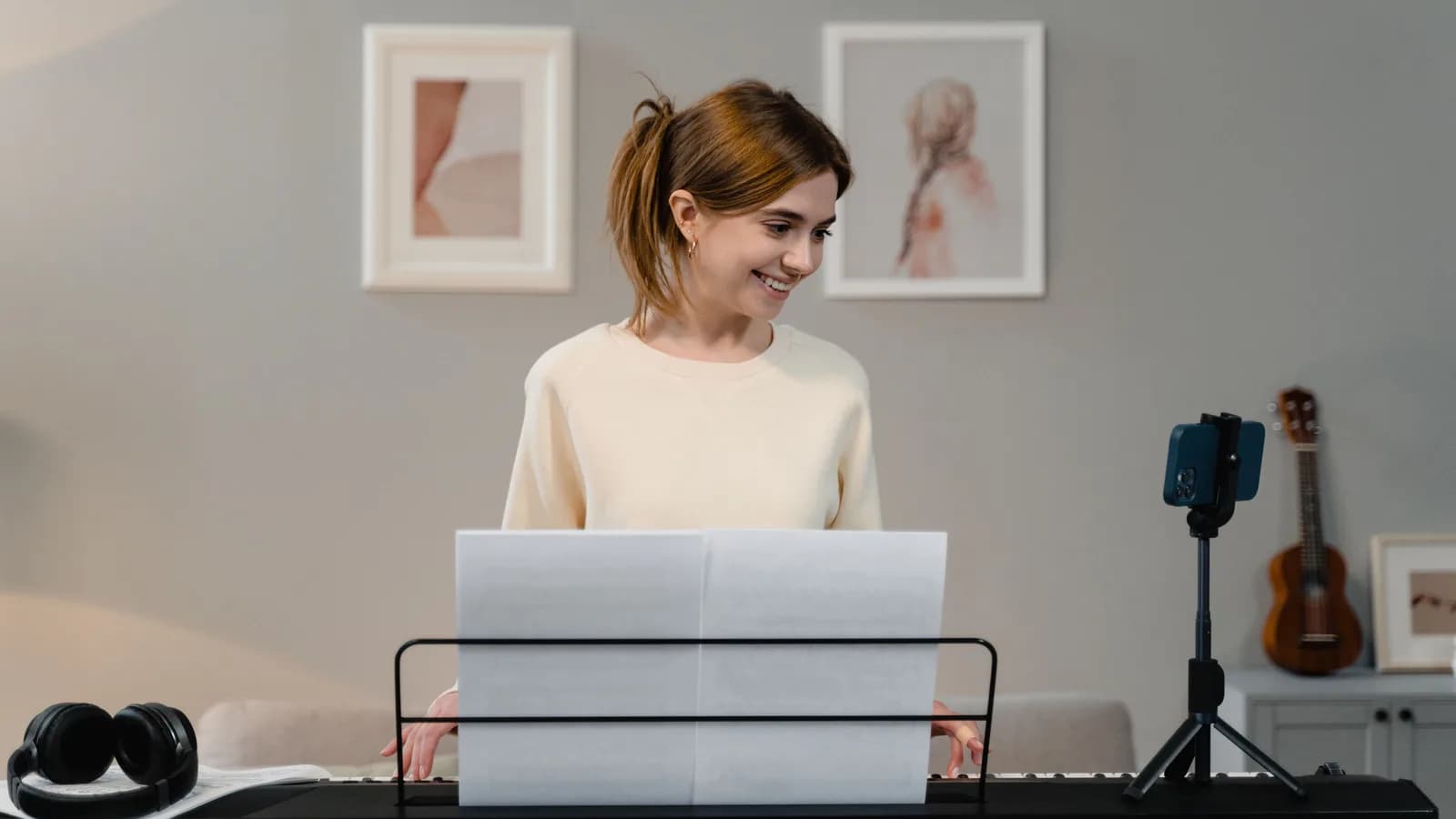
Prepare for an online piano recital by rehearsing your whole performance slot with someone listening remotely. Check the music, the sound reaching that listener, and the handover from the host. Agree what you will do if the connection fails before you need that plan.
You may be playing your usual piano in your usual room, but the event adds unfamiliar tasks: waiting silently, finding the unmute control, speaking to a camera, and finishing without immediate applause. Those small transitions deserve practice alongside the piece.
This guide is for a solo pianist taking a turn in a hosted online recital. Follow the organiser’s arrangements if they differ from the examples below.
Agree the shape of your slot
Before making a recording or rearranging equipment, confirm the event date and time zone, sound-check time, platform, and programme order. Find out whether your allocated time includes the introduction and pauses between pieces. A five-minute piece can occupy more than five minutes of the event.
Ask who introduces you, who manages the audience microphones and performer view, and how you will receive the signal to begin. Send the host your name, composer, work and movement titles in the requested format. If you have two pieces, confirm whether you introduce both together or speak between them.
Also establish whether the recital will be recorded or shared, and whether you may make a private recording of your own performance. Keep a backup private unless sharing has been agreed. A recording of the whole meeting raises different questions from a recorder beside your piano.
A suggested countdown. Use the organiser’s actual rehearsal and arrival times.
01 / Several days before
Test the complete slot
- Confirm the host’s cues and time limit.
- Let a remote listener hear soft, loud and fading sound.
- Time the introduction, music and ending.
02 / The day before
Keep what worked
- Use the tested score, camera and audio settings.
- Rehearse page turns and recovery points.
- Write the reconnect plan and host contact.
03 / At the agreed call time
Join, check, then wait
- Connect power and quiet the room.
- Check sound when the host invites you.
- Wait for the agreed signal to begin.
The timing above is a planning example, not a required preparation period. If the recital is close, prioritise a working call, a manageable programme and one complete rehearsal. Choose music you can carry through at a sustainable tempo, including its ending. Expanding the programme late usually creates more transitions to prepare.
Check the sound at the listener’s end
A camera preview and a microphone meter cannot tell you everything the audience will hear. Arrange a short call with a listener using the event platform and your intended equipment. Ask them to listen away from your room, so they hear the transmitted sound rather than the piano itself.
Try three things in order:
- Speak your introduction from the position where you will deliver it.
- Play a quiet passage, then a louder passage from your programme. Ask whether the quiet notes disappear or the loud chords sound broken or distorted.
- Play your final chord and let it decay. Ask whether the sound fades naturally or is cut off.
Change one setting or microphone position, then repeat the same excerpts. A useful report is “the last chord disappears while it is still ringing,” rather than “the sound is bad.” Our online piano lesson setup guide covers camera placement, microphones and signal paths in more detail.
For Zoom, the current desktop controls include Original sound for musicians under Microphone modes where available. Check its status in the meeting you actually join. It disables noise suppression; it does not fix a poor microphone position or an overloaded input. Berklee Online also recommends checking the selected microphone and speaker devices and using headphones for music performance.
Avoid enabling every advanced option just before the recital. Higher-quality modes can demand more from the connection and computer. Zoom’s separate Live performance audio mode has its own participant, network and recording limitations. An ordinary solo recital does not require remote players to stay rhythmically synchronised.
Keep only one device connected to meeting audio in your room. If a second device supplies another camera, disconnect its meeting audio completely; muting its microphone alone can leave its speaker active and cause echo.
Rehearse the handover before the first note
Have your listener act as the host once. Wait while they introduce you, unmute when agreed, deliver your introduction if needed, then settle at the keyboard. Begin from your intended pulse rather than rushing because the screen has become quiet.
Agree this sequence with your host. Audience microphones can remain muted throughout.
Host
Introduce and cue
The host names the performer and gives the agreed start signal.
Performer
Unmute and speak
Confirm you are ready; give your short introduction if required.
Performer
Settle and begin
Find your opening pulse. Start when the host has handed over.
Performer
Finish the music
Let the final sound decay; release the pedal as the music requires.
Performer
Acknowledge and wait
Look up or give the agreed gesture. Leave room for the host to return.
Host
Take the handover
The host acknowledges the performance and moves to the next slot.
Quiet after the last note may simply mean the audience is muted. Wait for the agreed handover.
Keep the introduction short enough to say comfortably. “The first piece is the opening movement of Mozart’s Sonata in C major, K.545” gives the audience useful information. You can add one sentence about the music if the host allows time. There is no need to apologise for being nervous or explain every difficult passage before playing.
Check the audience view with the host. In Zoom, pinning a video changes your own view; spotlighting is a host control that affects the view for participants. Seeing a large picture of yourself does not establish what the audience sees.
At the end, listen to the final sound and release the pedal as the music requires. Leave a clear pause before turning to the camera or reaching for a control. The host may be waiting for your gesture before speaking, and audience microphones may remain muted. Silence on the call is not reliable feedback about how the performance went.
Rehearse that silence deliberately: ask the listener to wait before responding. You do not need to fill it by talking over your own ending.
Run the programme, including the page turns
Once the sound works, perform the complete slot with your concert score, clothes, shoes and seating arrangement. Start the timer before the introduction and stop it after you have acknowledged the audience. This reveals whether the allotted time is realistic and whether anything requires an awkward reach.
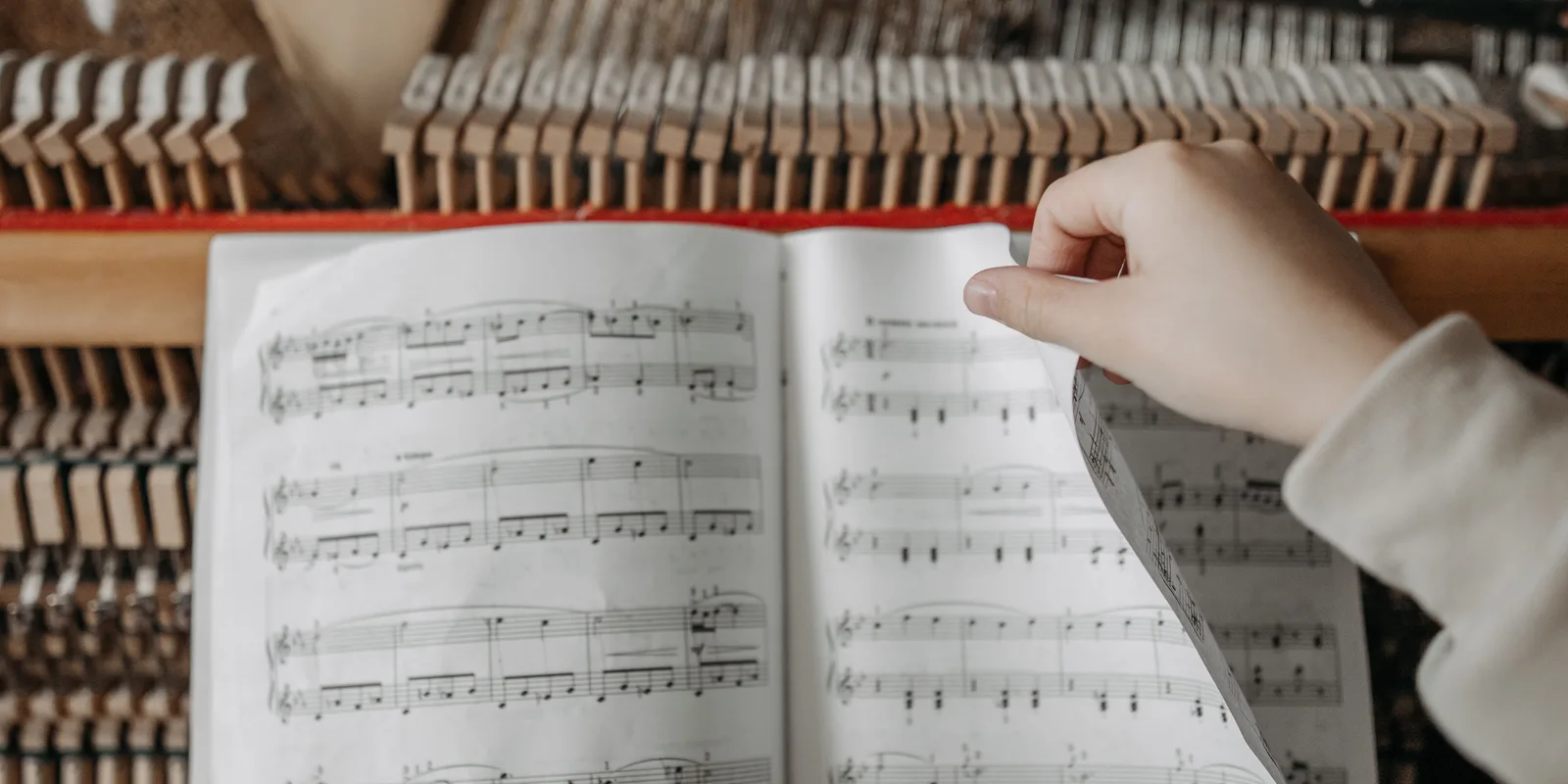
Prepare each page turn as part of the passage. Know which hand turns, where it leaves the keyboard and where the eyes find the next line. Test that the book stays open. If someone turns for you, rehearse the cue and their position so they do not obstruct the camera or your movement.
For a tablet, load the correct score and practise the actual tap, swipe or pedal action. Check that it stays awake for the length of the slot and that a page-turn pedal cannot be confused with the piano pedals. Use the display brightness and layout you intend to keep. A device that works during browsing still needs to work while both hands are occupied.
Include the wait before playing. After a modest warm-up, sit quietly while the listener introduces an imaginary previous performer, then start without another trial of the opening. This tests a different skill from repeating the first bars until they feel settled.
For an uncertain passage, establish a recognisable place from which you can continue: a phrase opening, a change of texture or a clear bass arrival. Practise starting there separately. A recovery point is useful only if you can find it without playing everything that precedes it.
Decide what deserves a stop
A musical slip and a failed connection need different responses. If you play a wrong note but still know where you are, aim to maintain the pulse and direction. If you lose your place, take the time needed to resume from a prepared point. Avoid turning every small error into a restart of the whole piece.
A confirmed loss of sound is a technical interruption. Agree beforehand how the host will signal it and whether you should pause, reconnect or wait for a later slot. Keep the meeting link and the organiser’s agreed contact method accessible outside the meeting window. Do not improvise a new procedure while the audience waits.
If permitted, test a separate local recorder before the event and leave it running through your own slot. Check power, storage and that it actually captures the piano. It can preserve your playing if the call breaks up, but it cannot prove what remote listeners heard. Nor is it automatically an acceptable replacement for a live performance; that decision belongs to the organiser.
Rehearse one technical interruption with your helper. Ask them to give the agreed stop signal between excerpts, then practise acknowledging it and waiting for instructions. The aim is to make the next action familiar, not to predict every possible failure.
Keep a short cue sheet beside the piano
On recital day, use the setup you have already tested. Charge or connect the necessary devices, close unrelated applications, silence notifications and let other people in the home know when you need quiet. Keep cables and the route to the bench clear.
Join at the organiser’s requested time. If you have an opportunity for a final sound check, use the same short excerpts as before. Once you are waiting to perform, follow the muting instructions and avoid making unannounced tests that others can hear.
Your recital cue card
Copy any notes you need before leaving this page. This card does not send a message to the organiser.
Download the blank cue sheet (A4 PDF)The PDF is a blank sheet to print and write on; it does not include entries made below.
Rehearse the response
A wrong note, with the call still working
If you know where you are, continue the pulse and phrase. If you lose your place, resume from a prepared musical point. A small slip does not automatically require a full restart.
The host confirms that sound has been lost
Follow the agreed stop signal. Check or reconnect as arranged, let the host confirm the sound, and agree where to resume. A local backup is only a substitute if the organiser accepts it.
The call is quiet and the cue is unclear
Before playing, wait for the agreed signal or ask the host to confirm. After playing, acknowledge the audience and wait. Muted microphones and transmission delay can leave silence around a successful performance.
Use only the cues that help you. A sheet beside the piano should remove the need to search through messages during the event. Keep it separate from your score so a page turn does not hide the host’s instructions.
The first online lesson preparation checklist is useful if joining a music call is itself unfamiliar. For a recital, add the exact start signal, ending and reconnection agreement. Those belong to this event and cannot be supplied by a generic equipment list.
Review one musical point and one practical point
After the recital, write down what held together before examining every mistake. Perhaps you kept the phrase moving after a slip, made a quiet opening audible, or waited through the final resonance. Those are parts of performing worth recognising.
Then choose one musical task and one practical adjustment for next time. For example: prepare the bass at the second phrase more securely, and move the cue sheet so it is visible from the bench. If you have a permitted recording, the guide to listening to your own piano recording can help turn a judgement into a specific practice task.