
Online Piano Lessons, Apps, or YouTube: Which Helps With What?
Online piano lessons, piano apps, and YouTube do not solve the same learning problem. Apps are often useful for repeatable drills and immediate answers about notes or rhythm. YouTube is useful for finding demonstrations, performances, and explanations. A live online lesson becomes most valuable when the question depends on your own playing: why a passage feels awkward, why the melody disappears, how the pedal affects the harmony, or what to work on next.
That does not mean every pianist needs all three. The practical choice is to name the task first, then use the format that can receive enough information to help with it. A resource earns its place only when it sends attention back to the piano.
Begin with the information the tool receives
The main difference between these formats is not how modern they look. It is what they can notice and how their response changes after you play.
A prerecorded YouTube video receives no information from the viewer. It can present an excellent explanation or demonstration, but it cannot know whether the difficulty in your bar 12 comes from fingering, reading, balance, rhythm, movement, or a misunderstanding of the phrase. Comments and livestreams can add interaction, but they are different from the prerecorded library most learners use.
Piano apps vary considerably. Some ask you to tap the screen. Some listen through a device microphone. Some read data from a digital piano through MIDI. Some tools also use camera input or other forms of analysis. Before subscribing, check what the particular app receives rather than assuming that every app can assess the same things.
MIDI can provide precise performance events. The MIDI Association's explanation of MIDI messages describes note-on and note-off events, key number, velocity, and control messages. An app may therefore be able to judge whether a connected key was played and when it was released. That is useful information. It is not automatically an explanation of why the upper voice sounds buried, why the wrist becomes rigid, or whether a phrase is moving toward the right harmonic point.
Research in automatic piano assessment covers pitch, rhythm, dynamics, posture, and expressiveness. In a 2022 review of automatic piano performance assessment, Kim, Ramoneda, Miron, and Serra also identify gaps between these methods and their use in real teaching settings. Measurements can be useful without amounting to a complete musical diagnosis.
In a live online lesson, a teacher receives the sound and view available through the call, can ask a question, request the passage again, or ask the player to change the camera angle, play without pedal, or isolate one voice. The response can change with each attempt. Online sound and video have limits, and the teacher cannot physically feel the player's movement. Even so, the two-way feedback cycle supplies a kind of information that a fixed video cannot.
What each format does well
Piano apps: structured repetition and clear right-or-wrong tasks
An app can be a good practice companion when the task is easy to define and repeat. Note recognition, basic rhythm work, interval identification, chord recall, and short reading exercises all suit a system that can present many examples and respond immediately. Progress records, reminders, and a visible course sequence may also help a learner who otherwise opens the piano without knowing where to begin.
The useful question is not simply, “Does the app mark this correct?” Ask what correct means. It may mean that the expected pitch arrived within a timing window. It may not include fingering, physical ease, balance between voices, release, pedal clarity, or the musical direction of the line. A green result can coexist with playing that feels tense or sounds flat.
Before paying, test one representative exercise. Find out whether the app works with an acoustic piano, a microphone, or MIDI; whether it hears chords reliably in your room; whether the repertoire and sequence match your level; and whether the feedback helps you correct an error rather than merely repeat it.
YouTube: demonstrations, listening references, and discovery
YouTube is particularly strong when you need to see or hear an example. It can introduce unfamiliar repertoire, show a slow fingering demonstration, explain a theoretical idea, or let you compare several performances of the same piece. The player itself supports close inspection: YouTube's official keyboard controls include pausing, moving a frame at a time, seeking backward or forward, changing playback speed, and showing captions when available.
Use those controls actively. Watch one short segment, identify exactly what you are looking or listening for, then turn back to the instrument. Watching three more explanations often feels productive while postponing the harder step of testing one idea in your own passage.
Quality and sequence are the main difficulties. A polished performance does not prove that its fingering suits your hand. A confident explanation may omit context. A playlist assembled by recommendations is not necessarily a curriculum. Check who made the video, what level and musical problem it addresses, whether the score or source is clear, and whether the advice can be tested by listening rather than accepted on authority.
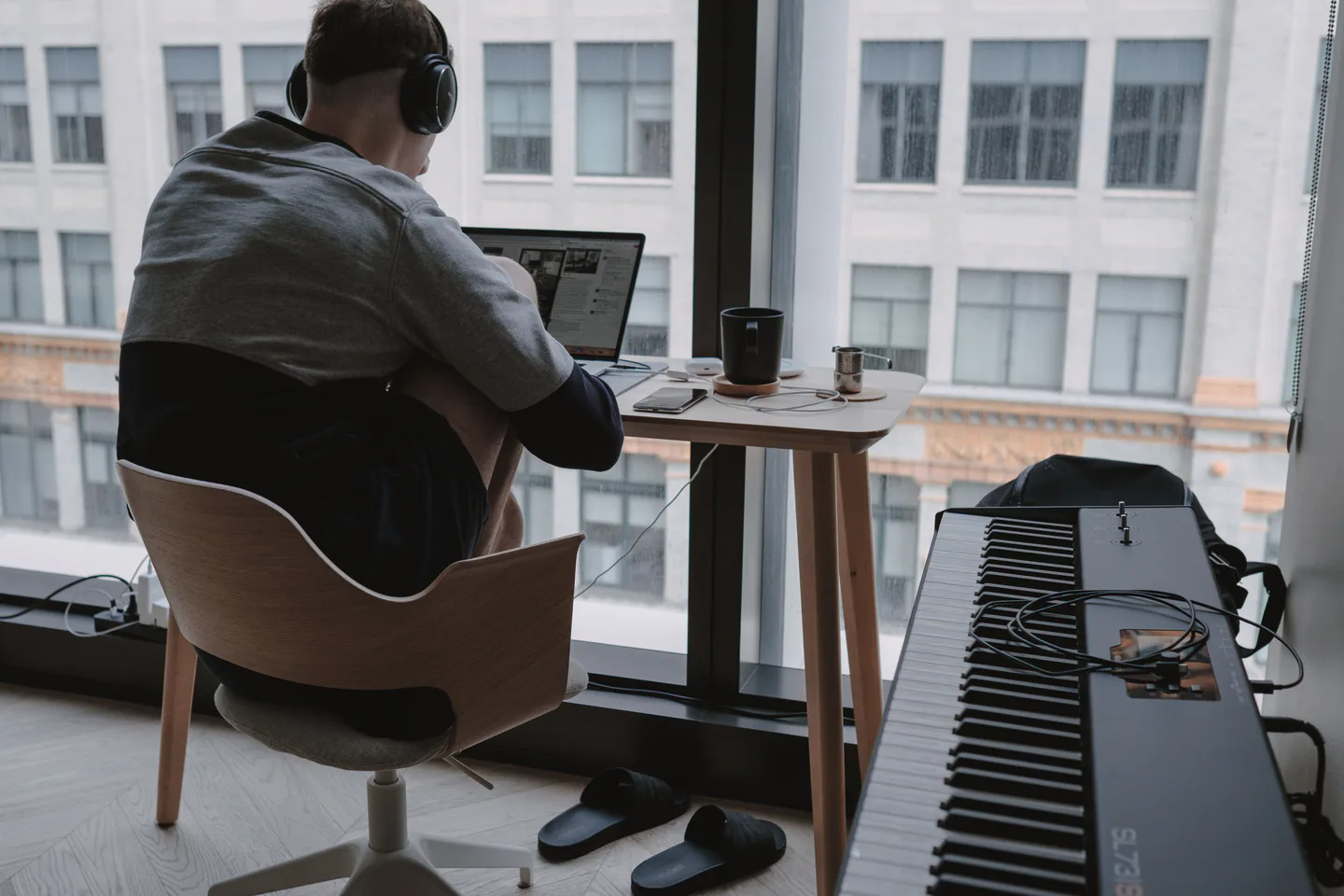
A screen is useful when it supports a specific task and returns attention to the instrument. Photo: Kate Trifo / Pexels.
Live online lessons: adaptive diagnosis and a continuing plan
A live teacher is most useful when the result has several possible causes. If a melody cannot be heard, the teacher can listen to the balance, ask for each voice separately, look at the movement, question the chosen fingering, and test a different way of hearing the phrase. The next instruction depends on what happened in the previous attempt.
This is relevant to technique, voicing, pedaling, interpretation, repertoire choice, and planning. It also creates accountability of a particular kind. The purpose is not merely to prove that practice happened. It is to review what changed, decide what still matters, and set a realistic next priority.
The limitations should be part of the decision. Call audio does not reproduce an acoustic instrument perfectly. Camera framing can hide an important movement, and in an ordinary video call, internet delay usually makes simultaneous playing unreliable. Lessons also require a suitable teacher, compatible schedules, and a budget. A second view or short recording can fill some information gaps. The guide to online piano lesson setup explains how to begin with equipment you already have.

One-to-one classical piano
In person in Ikebukuro or Shinjuku, Tokyo. Online worldwide.
Enea
Concert pianist from Vienna
Pre-launch · Applications open
Choose the format by task
The same pianist may make a different choice from one practice problem to the next. These are starting points, not rules:
- Note recognition and basic rhythm: Start with an app when the exercise has an unambiguous answer and the input method can register it reliably. Use a teacher when repeated errors suggest a reading strategy or coordination problem rather than a lack of repetition.
- Repetition and consistency: An app, metronome, timer, or written log can support a fixed drill. The important test is whether the repetition improves the passage at the piano rather than only the score inside the tool.
- Repertoire discovery and demonstration: Start with YouTube or another reputable video library. Compare more than one performance for interpretation, and distinguish a demonstration from fingering or technical advice intended for your hands.
- Technique, movement, and touch: Start with live feedback when the issue involves comfort, coordination, articulation, balance, or the relationship between movement and sound. Online, the teacher observes and listens but cannot literally feel what the player feels, so clear description and an adequate camera view matter.
- Interpretation: Use recordings and videos to widen the listening imagination. Use a live lesson to connect harmony, structure, character, timing, voicing, and pedal to the current performance rather than copying another pianist's surface choices.
- Practice planning and accountability: A live teacher can decide priorities in response to progress, deadlines, and available time. An app or practice log can then support the agreed work between lessons.
Choose by the question
What do you need right now?
A fixed-answer drill
Best match: App
An example to watch or hear
Best match: YouTube
Feedback on your own playing
Best match: Live lesson
Return to the piano and test one change.
Combine tools without turning practice into screen time
“Use everything” is not a useful plan. It can produce several subscriptions, dozens of saved videos, and very little concentrated playing. A more focused approach is to use this four-step cycle:
- Define one musical task precisely, such as keeping the pulse through four bars or bringing out the soprano in a repeated-chord texture.
- Choose one resource that matches that task: an app for a fixed drill, a video for an example, or a live lesson for diagnosis.
- Close or move the screen and apply the idea to a short passage at the piano.
- Listen again, make a brief note or recording, and decide whether the musical result changed.
When a teacher is part of the plan, ask which supplementary materials fit the current work. A random tutorial may use different fingering, terminology, edition, or technical assumptions and create more confusion than variety.
If regular lessons are not currently affordable, independent study can still be purposeful. Choose one structured sequence instead of several overlapping courses, use videos for specific questions, record short passages, and compare them with the score and a clear musical target. Occasional live feedback, when possible, can be especially useful at a decision point: choosing a direction, investigating a recurring problem, or planning the next stage.
Match the mix to your present situation
A complete beginner who needs a route through the basics
A well-sequenced app or video course can provide continuity for notes, rhythm, and regular practice. A live lesson early in the process can check the physical setup, reading approach, pulse, and first practice habits before they become difficult to change. The lesson does not need to replace every independent resource. It can establish what those resources should support.
A returning adult who keeps getting stuck in the same passage
If the same passage keeps breaking down, another general tutorial may not address the cause. Live feedback can separate a reading problem from an unsuitable fingering, an unstable pulse, a balance issue, or unnecessary movement. An app may then supply a focused rhythm or reading drill, while video offers performance references for the piece.
An intermediate or advanced pianist working on interpretation
Recordings, performances, interviews, and masterclasses can broaden the range of possibilities. The risk is collecting attractive ideas without deciding how they relate to the score or the player's present sound. A live lesson can test that relationship in real time. Apps may still be useful for ear training, rhythm, or practice records, but a simple correctness score is less likely to answer the central musical question.
Run a one-week test before buying another tool
Choose one passage of eight to sixteen bars and one observable goal. It might be a steady left-hand rhythm, clean pedal changes, a more audible melody, or fewer stops while reading. Use the prospective app, video resource, or lesson format for that task over one week.
At the end, ask:
- What information did the tool receive from the playing?
- Did the feedback identify only the result, or did it help reveal a cause?
- Was the next action clear enough to repeat without the screen?
- Did the work transfer back into the actual piece?
- Is this a recurring need that justifies the cost or time?
The number of exercises, videos, or features matters less than whether the resource makes the next musical decision clearer.
Choose live feedback when your playing is the question
Apps and videos can answer many useful questions. They become less decisive when the question is, “Why does this sound or feel this way when it is played by these hands?” That is where an individual feedback cycle matters most.
The article on what actually happens in an online classical piano lesson shows that cycle from preparation through follow-up. The adult guide to choosing an online piano teacher gives criteria for comparing teachers and using a trial lesson well.
Vienna Piano School offers online lessons worldwide. A free 55-minute trial lesson is a practical place to bring one current passage, describe the difficulty, and see whether live feedback makes the next step clearer.
Sources and further reading
- The MIDI Association, “About MIDI, Part 3: MIDI Messages”, accessed 31 August 2026.
- YouTube Help, “Keyboard shortcuts for YouTube”, accessed 31 August 2026.
- Hyon Kim, Pedro Ramoneda, Marius Miron, and Xavier Serra, “An Overview of Automatic Piano Performance Assessment within the Music Education Context”, 2022, DOI: 10.5220/0011137600003182, accessed 31 August 2026.