
How to Get a Better Tone From a Digital Piano
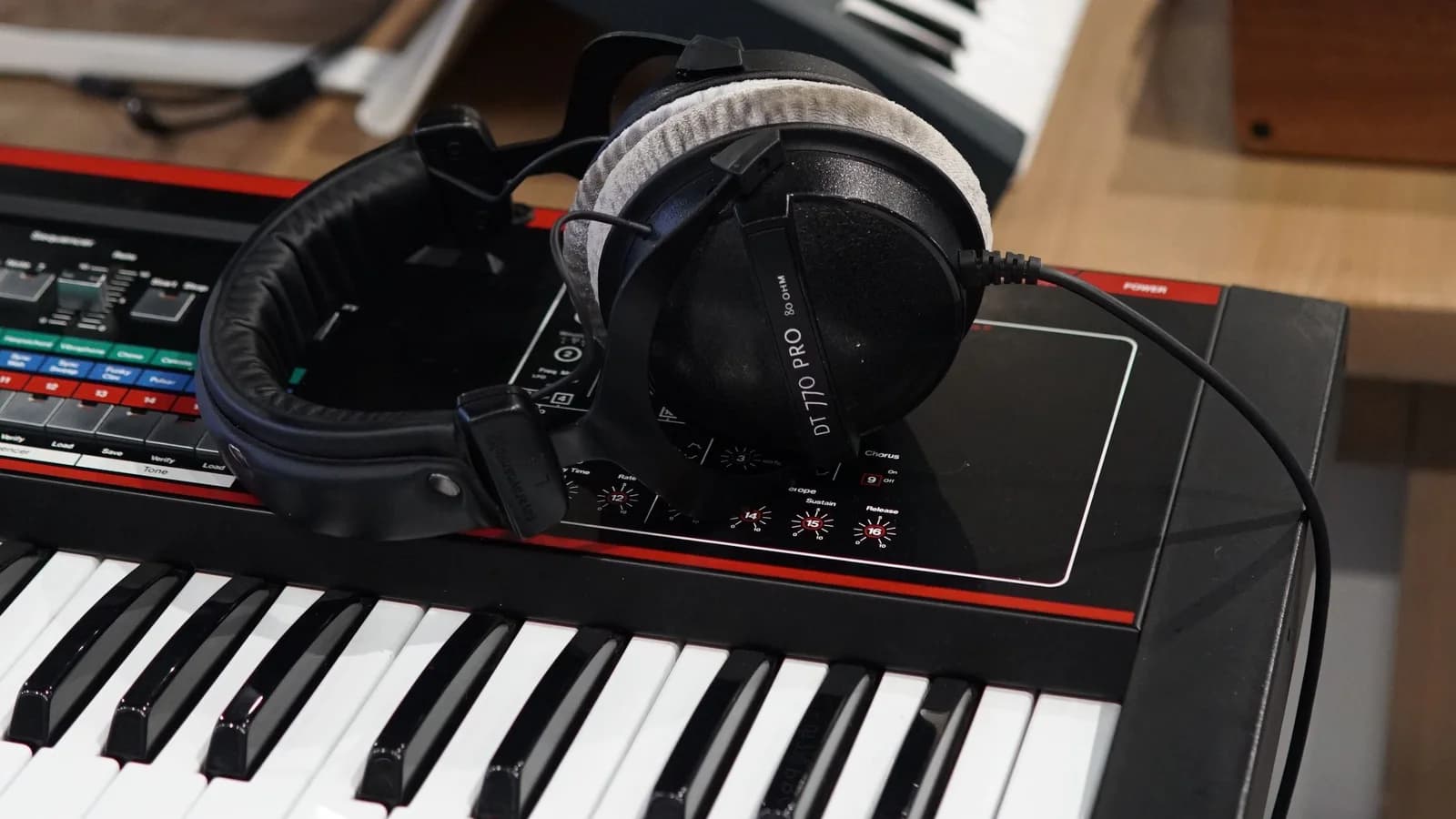
To get a better tone from a digital piano, begin with one familiar piano sound at a comfortable listening level. Play a short phrase without pedal, then check its attack, melody balance and note endings. Change your touch, a setting or the listening setup one at a time. That makes it easier to hear what helped.
A harsh melody, a thin bass and a blurred ending are different problems. Turning everything down may hide the first while making the second harder to judge. The aim is to find a setup in which you can hear and shape the music clearly, then use that setup consistently enough to learn from it.
Start with a sound you can compare
Select the main acoustic-piano voice and temporarily remove any layered strings or second instrument. Note the current touch, reverb and tone settings so you can return to them. There is no need for a factory reset, which may erase saved settings or recordings.
Set the master volume while playing a few comfortable notes. It should let you hear the phrase without straining to produce sound or finding the louder notes unpleasant. There is no universal percentage: the instrument, headphones, room and people nearby all matter.
Keep the volume control still while testing your playing. Playing softly and turning down the output are separate actions. The first tests your control of the phrase; the second changes the listening level. If a louder attempt becomes uncomfortable, lower the output and establish a new baseline before comparing again.
Some instruments also change their tonal balance with volume. Yamaha's P-225/P-223 reference manual describes Intelligent Acoustic Control, which adjusts sound according to the overall level. This is one reason to check your model's low-volume functions instead of assuming that turning the knob down leaves everything else perceptually unchanged.
Follow the sound from your hands to your ears
Your playing supplies the notes, their timing, dynamic relationships and pedal movements. The instrument responds through its selected sound and settings. Speakers or headphones then reproduce the result. A change at any of these points can affect what you hear.
Yamaha's explanation of acoustic and digital sound production distinguishes an electronic tone generator and speakers from the hammer, strings and soundboard of an acoustic piano. For practice, this gives you a useful question: did the musical action change, or did the way you heard it change?
Where the sound can change
Your playing
Notes, timing, balance and pedal movement
Did your playing change?
The instrument
Touch response, piano voice, effects and volume
Which setting did you change?
What you hear
Speakers in the room, or headphones
Did the listening setup change?
Repeat the same phrase. Change one thing, then listen for one specific difference.
For example, a melody that disappears beneath the left hand calls for a balance check. A bass that seems boomy only through the room speakers calls for a listening comparison. Neither observation, on its own, proves that the instrument needs replacing.
Use one short phrase to test your touch
Try this original example without pedal, at a pulse that leaves time to listen. Play D–F–E–D with the right hand, one note per beat in a bar of four beats. Start on the D just above middle C. Fingers 1–3–2–1 are an option if comfortable; use another easy pattern if this one distracts you.
First play the melody alone. Aim for a connected line with a small rise towards F and a quieter return to D. Listen for an unexpectedly sharp attack, a note that disappears, or an accidental gap. Choose one of those details to work on before changing a menu setting.
Next, play the phrase at a softer level and then a moderately fuller level, leaving the master volume unchanged. Does the musical shape remain audible in both versions? The task is to distinguish manageable dynamic levels, not to reach the loudest sound the instrument can produce.
Add the D below middle C in the left hand. Sound it with the first melody note, hold it for four beats, and release at the end of beat four. Keep this bass quieter than the melody. If the melody becomes difficult to follow, try a gentler bass entry before making the right hand louder.
Listen & compare
Can you follow the melody?
One bar · 4/4 · No pedal · 72 beats per minute
Right hand: D4, F4, E4, D4, one quarter note per beat. Left hand: D3, held for all four beats. Release both hands at the end of beat four.
The bass has a strong entry. Listen for how much attention it takes from the melody.
Keep your playback volume unchanged between A and B. Listen especially to the first melody note, where the bass enters.
Original teaching example assembled from piano samples, with edited note lengths and levels. It illustrates balance, not a particular digital piano or a live performance. Open the selected audio.
The audio uses an original phrase assembled from University of Iowa piano samples, created by Lawrence Fritts and made available for unrestricted reuse. Both versions use the same melody; only the bass level changes. Try A, then B, before playing your own version.
Return to the same passage after each adjustment. A useful note might be “the bass no longer covers the F” or “the final D ends cleanly.” Those observations tell you more than deciding that one attempt was simply nicer.
Choose a touch curve that leaves room for expression
A touch curve, sometimes called touch sensitivity or key touch, changes how the instrument responds to your playing. Start with its normal or medium setting if you need a reference point, then compare another setting using the same phrase.
On the P-225/P-223, the touch-sensitivity descriptions say that Soft produces relatively high volume from light playing, while Hard requires stronger playing for high volume. Fixed removes that loudness response to playing strength. These labels describe that instrument; check the equivalent descriptions in your own manual. A fixed setting is unsuitable for the dynamic comparison above.
The names can also mislead. Kawai's explanation of touch curves explicitly separates Light and Heavy response settings from the physical weight of the keys. Choosing a heavier software response does not turn the action into a different mechanical keyboard.
Explore the response
Same attack, different result
Medium: moderate attack → middle response.
Use the normal response as a starting point, then compare how easily you can shape quiet and fuller phrases.
Illustrative curves, not measured settings or loudness values from a particular model. The dashed diagonal is the Medium reference. This visual makes no sound; try the same comparison on your piano.
Keep a change if it helps you produce a quiet line, a fuller line and a clear melody above the bass without exaggerating the movement. If a setting makes every note jump out, return to the previous one. If reaching the desired sound encourages you to hit harder and harder, pause the comparison and reconsider the listening level and task.
Compare headphones, speakers and room position
Play the same phrase through the built-in speakers and through suitable wired headphones, if available. Begin each listening setup at a low level and adjust comfortably. A matching number on a display does not establish matching loudness at your ears.
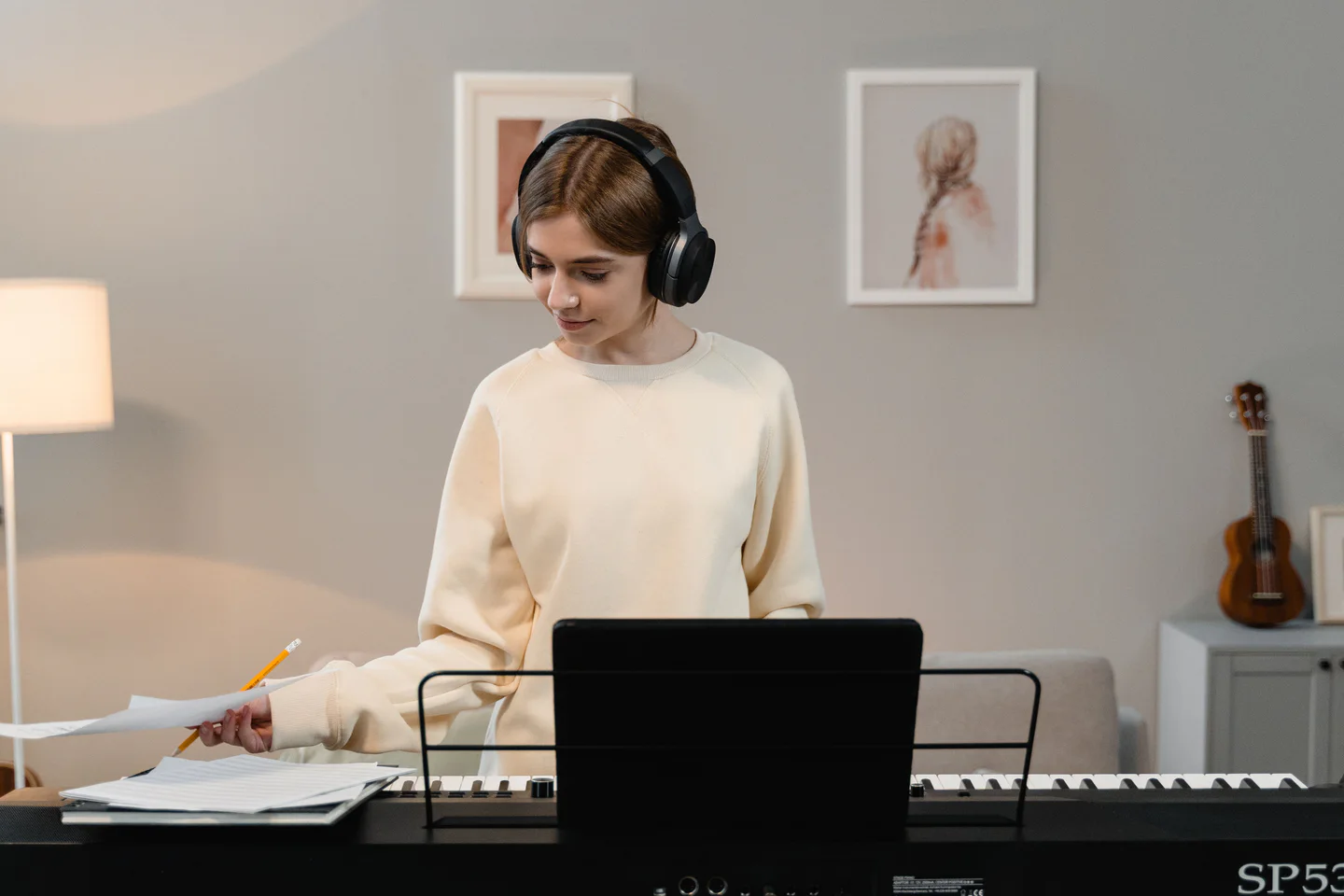
Listening at an electronic keyboard. Photo: Tima Miroshnichenko / Pexels. Stock photograph.
Listen for the same feature in both versions. If the bass masks the melody through speakers but is clear through headphones, investigate speaker placement and the room before changing the fingering. If the same note is too prominent in both, return to the playing and touch-response check. These are clues, not a conclusive equipment test.
Headphone processing, fit and playback level can also alter the comparison. Avoid making several changes at once, and do not raise the volume simply to make the sound more impressive.
Check for a setting that matches how the instrument is installed. The Roland FP-30X manual distinguishes Stand and Desk speaker settings for those placements. Follow your own model's guidance, keep speaker openings clear, and use a stable, suitable support. There is no single wall distance or equalizer setting for every room.
Check note endings before adding pedal and reverb
Return to the phrase without pedal. Decide where the final melody note and bass should stop, then listen to that ending. This gives you a reference before adding sustain.
Now try a familiar passage with two changing harmonies. Play it without pedal first, then with your intended pedalling. Listen specifically for old bass notes carrying into the new harmony. If they obscure the change, practise releasing and renewing the pedal around that point rather than trying to cover the blur with a brighter piano sound.
Half-pedalling depends on the instrument and a compatible pedal. The P-225/P-223 pedal guidance identifies the optional FC3A as supporting variable sustain through pedal depth. A simple switch pedal cannot supply the same continuous position information. Check the supported combination before treating pedal depth as a reliable practice variable.
Reverb is another variable. It adds a simulated acoustic tail; it does not correct the timing of your fingers or pedal. Roland's FP-30X Ambience description identifies simulated concert-hall reverberation. Temporarily reduce the effect while checking an ending, then restore enough space for the musical character you want. A completely dry sound is a useful comparison, not a rule for every performance.
Take the listening goal to an acoustic piano
The musical questions transfer: can you shape the melody, keep the accompaniment in proportion, connect the phrase and end the harmony deliberately? The exact movement and pedal depth need checking again on the next instrument. Its action, sound and surrounding room will give different feedback.
When you next play an acoustic piano, begin with a short familiar passage and listen before attempting your most demanding piece. Reassess a quiet attack, the balance between hands and the pedal change. Carry over the intended sound rather than expecting the same physical effort to produce an identical result.
Keep a brief record of the digital setup that made those details easy to hear: voice, touch response, volume, effects and whether you used headphones. If you are preparing for a lesson, the online piano lesson setup guide explains how to make your playing visible and audible over the call.
A short recording can help you listen without also managing the keys. The recording chapter in Roland’s official FP-30X Quick Start shows one model’s controls. Use the equivalent procedure in your own manual, and keep the setup unchanged between takes.
Watch the controls in use
Record once, then listen back
Roland’s FP-30X tutorial shows its recording controls from 2:10. Turn on CC for the instructions. On your own piano, record the short phrase and listen back for one detail: does the bass entry pull attention away from the melody?
Video: Roland Support Channel, FP-30X Quick Start #01. The controls shown are specific to this model. Watch from 2:10 on YouTube if the player is unavailable.
Sources and further reading
- Yamaha Corporation: Choosing a Piano: Acoustic or Digital?. Musical Instrument Guide; sound-producing mechanisms. Accessed 8 September 2026.
- Yamaha Corporation: P-225/P-223 Reference Manual. Current English C0 file, pp. 9, 33 and 42. Accessed 8 September 2026.
- Kawai Musical Instruments: CP205/CP185 Owner's Manual. Archived official manual, Touch Curve, printed p. 119. Used for the distinction between response settings and key weight. Accessed 8 September 2026.
- Roland Corporation: FP-30X Owner's Manual. Official English manual, pp. 9 and 12. Accessed 8 September 2026.
- University of Iowa Electronic Music Studios, Lawrence Fritts: Musical Instrument Samples. Permission for reuse; piano samples sequenced, trimmed and level-adjusted for the original audio comparison. Accessed 8 September 2026.
- Roland Corporation: FP-30X Quick Start. Official video, recording chapter at 2:10; embedded through YouTube. Accessed 8 September 2026.
Featured photograph: TStudio / Pexels. Headphones and an electronic keyboard, shown for illustration.